Video Editing & Motion Graphics (3 & 6 Months Course)
Learn Professional Video Editing & Motion Graphics at ZICA Indore
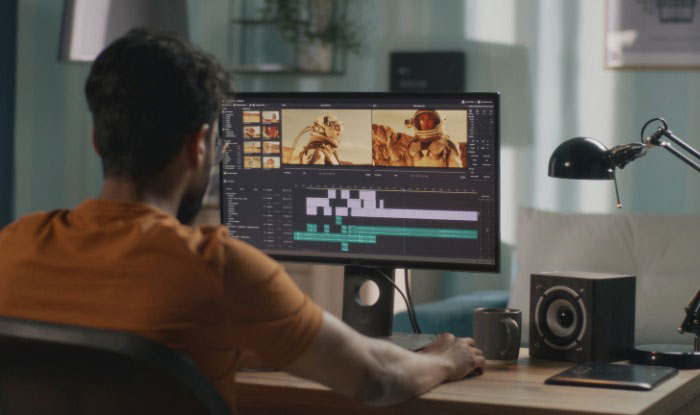
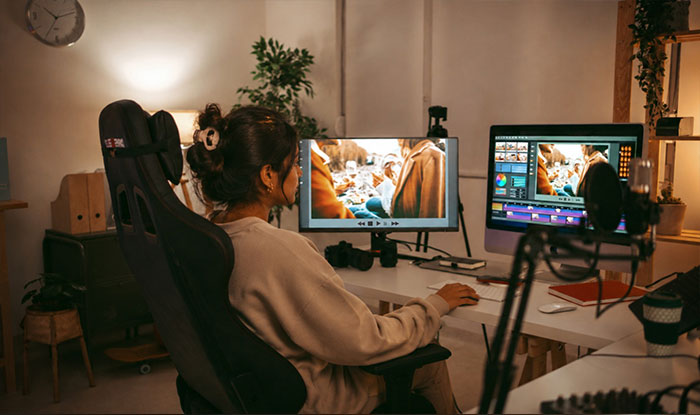
The Video Editing & Motion Graphics Course at ZICA Indore is designed for aspiring video editors, content creators, YouTubers, social media professionals, and creative enthusiasts who want to master the art of visual storytelling.
This intensive program focuses on industry-standard software, practical projects, motion graphics, color grading, and visual effects to prepare students for careers in digital media, advertising, filmmaking, and content creation.
With hands-on training and expert guidance, students build a professional portfolio and gain the confidence to work on real-world creative projects.
Program Highlights
- Industry-Oriented Curriculum
- 100% Practical Learning
- Live Projects & Assignments
- Portfolio & Showreel Development
- Learn Latest Editing Techniques
- High-End Editing Lab
- Experienced Industry Mentors
- Placement Assistance
ZICA Course Content (6 Months)
- Introduction to Motion Graphics
- Computer Graphics
- Digital Illustrations
- Design Principles
- Video Editing Fundamentals
- Adobe Premiere Pro
- Audio Editing
- Timeline Management
- Professional Editing Workflow
- Adobe After Effects
- Motion Graphics Animation
- Typography Animation
- Logo Animation
- Intro & Outro Creation
- Compositing
- Green Screen (Chroma Key)
- Tracking & Masking
- Visual Effects Techniques
- Motion Tracking
- Element 3D
- Object-Based Particle Plug-ins
- Particle Simulations
- 3D Motion Graphics Effects
- DaVinci Resolve
- Professional Color Grading
- Final Production Workflow
- Portfolio Development
- Showreel Creation
- Career Guidance & Placement Support
ZICA Course Content (3 Months)
- Introduction to Digital Media
- Design Principles
- Computer Graphics Basics
- Adobe Photoshop Essentials
- Video Editing Fundamentals
- Adobe Premiere Pro Interface
- Timeline Editing & Audio Editing
- Exporting Videos for Different Platforms
- Advanced Adobe Premiere Pro
- Multi-Camera Editing
- Speed Ramping & Cinematic Transitions
- Motion Graphics using Adobe After Effects
- Typography Animation
- Logo Animation
- Intro & Outro Design
- Social Media & YouTube Video Editing
- Green Screen (Chroma Key)
- Motion Tracking & Masking
- Basic Visual Effects & Compositing
- Color Correction & Color Grading
- DaVinci Resolve Basics
- Professional Editing Workflow
- Portfolio & Showreel Development
- Final Industry Project & Certification
Software Covered
- Adobe Photoshop
- Adobe Premiere Pro
- Adobe After Effects
- Adobe Audition
- DaVinci Resolve
Career Opportunities
After completing this course, students can work as:
- Video Editor
- Motion Graphics Artist
- YouTube Video Editor
- Social Media Video Editor
- Reels Editor
- Content Creator
- Freelance Video Editor
- Production Assistant
- Digital Marketing Video Editor
Why Choose ZICA Indore?
- 15+ Years of Creative Education Excellence
- Industry-Experienced Faculty
- Latest Software & High-End Lab
- Practical Learning with Live Projects
- Portfolio & Showreel Development
- Internship & Placement Support
- Creative Learning Environment
- Industry-Recognized Certification